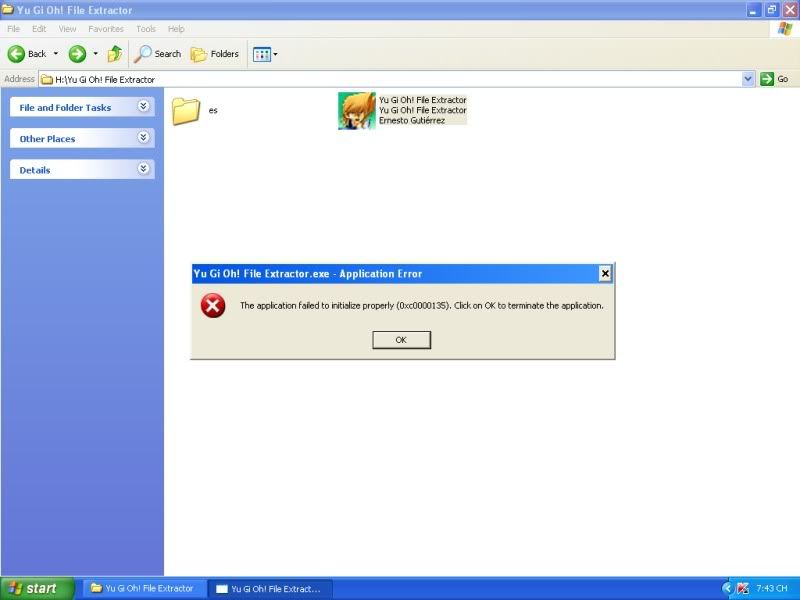
You need some tools to make a card in the game.
* Yu-gi-oh file extractor (found on the web somewhere)
* Hex editor
* Notepad
* and of course something to make the graphic of your new card.
It's really simple, just use the file extractor to open up the data.dat file, and export it to a temp location for editing.
Once done, you can use note pad and hex editor to modify the bin files in the Bin# directory.
You'll then need to dump your graphic image of your card, in another temp folder called temp-card folder, and you'll also need a mini version of your card, which goes in another temp folder called temp-mini folder.
Once you done all that you just need to use the file extractor to import the the bin files back into the data.dat, and import both your graphic image and mini image from the temp folders back into the main card and mini folder inside the data.dat file.
then its just a matter of running the game to see if your card works fine.
everyone who want to know how to change ATK, DEF, type, attribute etc. I'll help them.
first you need to have a good hex editor
open your card_prop.bin in your hex editor...
second thing is to know where is your card located(example rainbow flower is located on 00000e9e)
now we will use this address to put Obelisk ATK, DEF etc...
when you find this address, cursor will be on 32...
then use next 3 hex numbers so now will be 32 50 D4 A4...
that is what are we looking for..
now the hard way...every time you change the number you'll have to use yugioh file extractor to see what results you got...now I'll explain what number means
first number (3) will increase DEF
second number (2) will decrease DEF
third number (5) will increase/decrease ATK
fourth number (0) will increase ATK
fifth number (D) change monster type (you cannot set Divine-Beast)
sixth number (4) not sure but it has something to do with ATK
seventh number (A) change monster attribute (divine beast available)
eight number (4) change monster stars
that's all..now its up to you