

gynmuad0ng
Youtube Master Race
- 28/12/09
- 6
- 0
bác nào biết chỉ em cái này với , hix ko hỉu sao e sửa kiểu j cái khung Picture.browser+wallpapers cũng không hiện lên ảnh 
[SPOIL];===========================================
; Rainmeter configuration file
;===========================================
[Rainmeter]
Author=Jiri Mahel
AppVersion=1.0
; refreshed ~ 1m:30s
Update=90000
;~~~~~~~~~~~~~~~~~~~~~~~~~~~~~~~~~~~~~~~~~~~~~~~~~~~~~~~~~~~~~~~~~~~~~~~~~
; !!!!!!!!!!! YOU MUST INSTALL NCONVERT !!!!!!!
; !!! must install to Windows directory !!!
; download Nconvert from
; http://pagesperso-orange.fr/pierre.g/xnview/en_ncdownload.html
; or
; http://www.google.com/search?hl=en&q=nconvert+download
;~~~~~~~~~~~~~~~~~~~~~~~~~~~~~~~~~~~~~~~~~~~~~~~~~~~~~~~~~~~~~~~~~~~~~~~~~
;everything looks best when the source images have a 16:10 ratio.
;
;Configurable
;>>>>>>>>>>>>>>>>>>>>>>>>>>>>>>>>>>>>>>>>>>>>>
[Variables]
;!!!!!! Define Image Path !!!!!!! path needs a backslash "\" at the end.
ImagePath=D:\Anh Bim\anh ban be\vit
; Define Subfolders (1 = Yes, 0 = NO)
subF=1
; FileFilter
fFilter=*.jpg;*.jpeg;*.png;*.bmp
; Monitor Resolution, example 1280x800 defined "-resize 1280 0"
MonitorResolution=-ratio -rtype lanczos -resize 1280 0
;>>>>>>>>>>>>>>>>>>>>>>>>>>>>>>>>>>>>>>>>>>>>>
; path is define HUD.Vision directory
rainmeter_dir=C:\Program Files\Rainmeter
dir=C:\Program Files\Rainmeter\Skins\HUD.Vision\White
fontColor.Text=255, 255, 255, 160
bar.color=255, 255, 255, 50
graph.line1=255, 255, 255, 75
graph.line2=255, 255, 255, 37
border.color=255, 255, 255, 75
FontName=Tahoma
FontHeight=8
FontHeight1=10
AntiAlias=1
;================================================
; Picture.Browser+Wallpapers Display
;================================================
[NactiObrazky]
Measure=Plugin
Plugin=Plugins\QuotePlugin.dll
PathName=#ImagePath#
FileFilter=#fFilter#
Subfolders=#subF#
;================================================
[Obrazek]
MeasureName=NactiObrazky
Meter=IMAGE
X=2
Y=2
W=200
H=125
Hidden=0
;START:FRAME
;===========================================
[cara1]
Meter=IMAGE
X=3
Y=1
W=198
H=2
SolidColor=#border.color#
[cara1_2]
Meter=IMAGE
X=1
Y=1
W=2
H=127
SolidColor=#border.color#
[cara2]
Meter=IMAGE
X=3
Y=126
W=198
H=2
SolidColor=#border.color#
[cara2_2]
Meter=IMAGE
X=201
Y=1
W=2
H=127
SolidColor=#border.color#
; END:FRAME
;=======================================
[mButt1]
Meter=IMAGE
X=5
Y=5
ImageName=new.png
Hidden=1
[mButt2]
Meter=IMAGE
X=5
Y=5
ImageName=new.png
Hidden=1
[mButt]
Meter=IMAGE
X=5
Y=5
W=30
H=19
SolidColor=255, 255, 255, 0
MouseOverAction=!Execute [!RainmeterShowMeter mButt1][!RainmeterRedraw]
LeftMouseDownAction=!Execute [!RainmeterShowMeter mButt2][!RainmeterRedraw]
LeftMouseupAction=!Execute [!RainmeterHideMeter mButt2][!RainmeterRedraw][!RainmeterRefresh]
MouseLeaveAction=!execute [!RainmeterHideMeter mButt1][!RainmeterHideMeter mButt2][!RainmeterRedraw]
[mButt3]
Meter=IMAGE
X=168
Y=105
ImageName=wall.png
Hidden=1
[mButt4]
Meter=IMAGE
X=168
Y=105
ImageName=wall.png
Hidden=1
[mButt_1]
Meter=IMAGE
X=168
Y=105
W=30
H=19
SolidColor=255, 255, 255, 0
MouseOverAction=!Execute [!RainmeterShowMeter mButt3][!RainmeterRedraw]
LeftMouseDownAction=!Execute ["#dir#\util\fileExec.exe" "nconvert.exe -v #MonitorResolution# -out bmp -o %%%USERPROFILE%\AppData\Local\VirtualStore\Windows\HUD_Vision_wallpaper.bmp%% %%[NactiObrazky]%%" "%%#dir#\util\chWallpaper.exe%% %%%USERPROFILE%\AppData\Local\VirtualStore\Windows\HUD_Vision_wallpaper.bmp%% stretch" -ew-swhide]
LeftMouseupAction=!Execute [!RainmeterHideMeter mButt4][!RainmeterRedraw][!RainmeterRefresh]
MouseLeaveAction=!execute [!RainmeterHideMeter mButt3][!RainmeterHideMeter mButt4][!RainmeterRedraw]
[/SPOIL]
[SPOIL];===========================================
; Rainmeter configuration file
;===========================================
[Rainmeter]
Author=Jiri Mahel
AppVersion=1.0
; refreshed ~ 1m:30s
Update=90000
;~~~~~~~~~~~~~~~~~~~~~~~~~~~~~~~~~~~~~~~~~~~~~~~~~~~~~~~~~~~~~~~~~~~~~~~~~
; !!!!!!!!!!! YOU MUST INSTALL NCONVERT !!!!!!!
; !!! must install to Windows directory !!!
; download Nconvert from
; http://pagesperso-orange.fr/pierre.g/xnview/en_ncdownload.html
; or
; http://www.google.com/search?hl=en&q=nconvert+download
;~~~~~~~~~~~~~~~~~~~~~~~~~~~~~~~~~~~~~~~~~~~~~~~~~~~~~~~~~~~~~~~~~~~~~~~~~
;everything looks best when the source images have a 16:10 ratio.
;
;Configurable
;>>>>>>>>>>>>>>>>>>>>>>>>>>>>>>>>>>>>>>>>>>>>>
[Variables]
;!!!!!! Define Image Path !!!!!!! path needs a backslash "\" at the end.
ImagePath=D:\Anh Bim\anh ban be\vit
; Define Subfolders (1 = Yes, 0 = NO)
subF=1
; FileFilter
fFilter=*.jpg;*.jpeg;*.png;*.bmp
; Monitor Resolution, example 1280x800 defined "-resize 1280 0"
MonitorResolution=-ratio -rtype lanczos -resize 1280 0
;>>>>>>>>>>>>>>>>>>>>>>>>>>>>>>>>>>>>>>>>>>>>>
; path is define HUD.Vision directory
rainmeter_dir=C:\Program Files\Rainmeter
dir=C:\Program Files\Rainmeter\Skins\HUD.Vision\White
fontColor.Text=255, 255, 255, 160
bar.color=255, 255, 255, 50
graph.line1=255, 255, 255, 75
graph.line2=255, 255, 255, 37
border.color=255, 255, 255, 75
FontName=Tahoma
FontHeight=8
FontHeight1=10
AntiAlias=1
;================================================
; Picture.Browser+Wallpapers Display
;================================================
[NactiObrazky]
Measure=Plugin
Plugin=Plugins\QuotePlugin.dll
PathName=#ImagePath#
FileFilter=#fFilter#
Subfolders=#subF#
;================================================
[Obrazek]
MeasureName=NactiObrazky
Meter=IMAGE
X=2
Y=2
W=200
H=125
Hidden=0
;START:FRAME
;===========================================
[cara1]
Meter=IMAGE
X=3
Y=1
W=198
H=2
SolidColor=#border.color#
[cara1_2]
Meter=IMAGE
X=1
Y=1
W=2
H=127
SolidColor=#border.color#
[cara2]
Meter=IMAGE
X=3
Y=126
W=198
H=2
SolidColor=#border.color#
[cara2_2]
Meter=IMAGE
X=201
Y=1
W=2
H=127
SolidColor=#border.color#
; END:FRAME
;=======================================
[mButt1]
Meter=IMAGE
X=5
Y=5
ImageName=new.png
Hidden=1
[mButt2]
Meter=IMAGE
X=5
Y=5
ImageName=new.png
Hidden=1
[mButt]
Meter=IMAGE
X=5
Y=5
W=30
H=19
SolidColor=255, 255, 255, 0
MouseOverAction=!Execute [!RainmeterShowMeter mButt1][!RainmeterRedraw]
LeftMouseDownAction=!Execute [!RainmeterShowMeter mButt2][!RainmeterRedraw]
LeftMouseupAction=!Execute [!RainmeterHideMeter mButt2][!RainmeterRedraw][!RainmeterRefresh]
MouseLeaveAction=!execute [!RainmeterHideMeter mButt1][!RainmeterHideMeter mButt2][!RainmeterRedraw]
[mButt3]
Meter=IMAGE
X=168
Y=105
ImageName=wall.png
Hidden=1
[mButt4]
Meter=IMAGE
X=168
Y=105
ImageName=wall.png
Hidden=1
[mButt_1]
Meter=IMAGE
X=168
Y=105
W=30
H=19
SolidColor=255, 255, 255, 0
MouseOverAction=!Execute [!RainmeterShowMeter mButt3][!RainmeterRedraw]
LeftMouseDownAction=!Execute ["#dir#\util\fileExec.exe" "nconvert.exe -v #MonitorResolution# -out bmp -o %%%USERPROFILE%\AppData\Local\VirtualStore\Windows\HUD_Vision_wallpaper.bmp%% %%[NactiObrazky]%%" "%%#dir#\util\chWallpaper.exe%% %%%USERPROFILE%\AppData\Local\VirtualStore\Windows\HUD_Vision_wallpaper.bmp%% stretch" -ew-swhide]
LeftMouseupAction=!Execute [!RainmeterHideMeter mButt4][!RainmeterRedraw][!RainmeterRefresh]
MouseLeaveAction=!execute [!RainmeterHideMeter mButt3][!RainmeterHideMeter mButt4][!RainmeterRedraw]
[/SPOIL]
Last edited by a moderator:

 thêm "\" vào sao imagepath
 mWinampCurrOrg / 1000) - ((mWinampCurrOrg / 1000) % 60)) /60

 và phải chắc chắn rằng foobar đã được mở thì mới có tác dụng


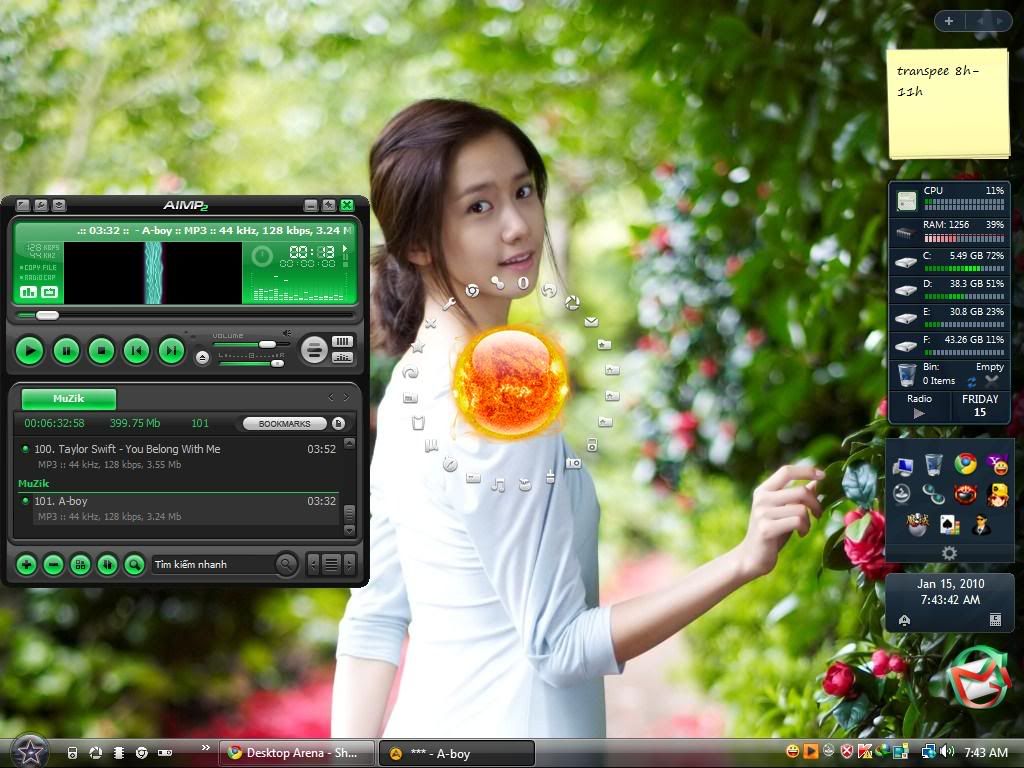
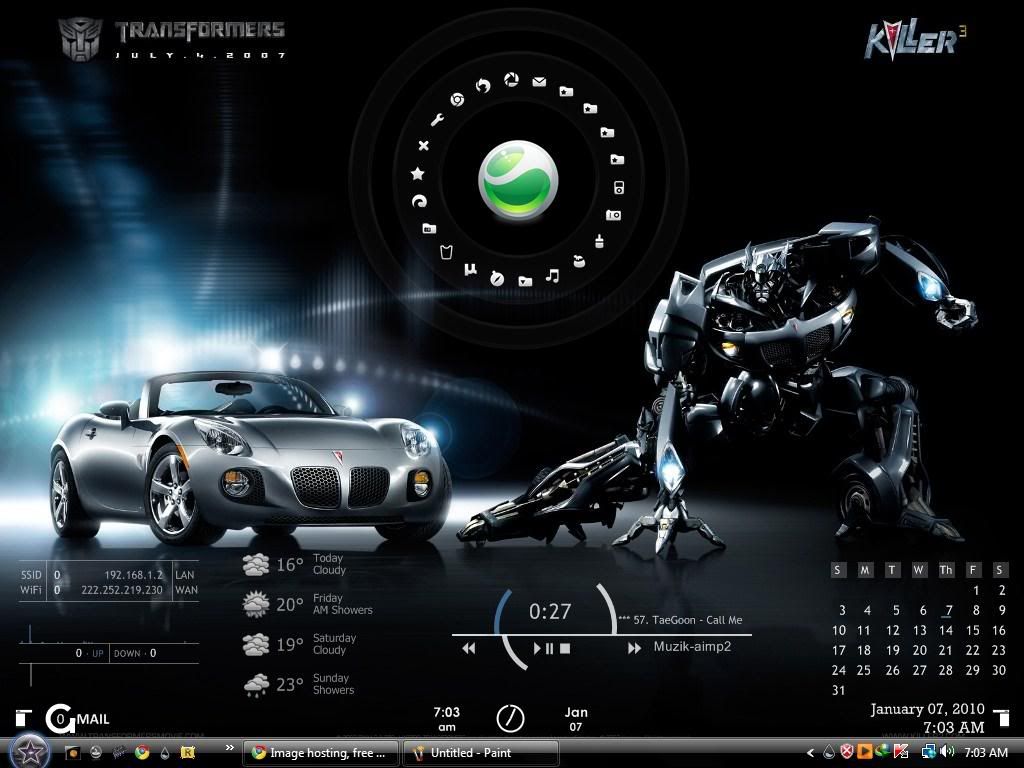




 sau một hồi google cuối cùng cũng làm đc cái hiệu ứng ==" dùng đc 5 phút thì thấy ớn đến tận cổ nhưng thôi bác nào thích em share luôn cho đỡ mất công google như em