
- 3/4/03
- 1,209
- 47
6h sáng thử thì ko vào được, chứ em ra vào liên tục từ lúc 8h sáng đến giờ chẳng có lỗi lầm gì cả 


Follow along with the video below to see how to install our site as a web app on your home screen.
Note: This feature may not be available in some browsers.
Tắt thông báo bằng nút X bên góc phải của bảng thông báo*


Link die mất rồiFix lỗi crash
có nhiều người bị lỗi crash game khi vào video của game thì trion đã có cách fix hoạc động 100% vì thiếu file system.cfg thôi.
1. Mở Windows Explorer
2. Mở My Documents
3. Trong folder My Documents có folder ArcheAge
4. Chép file system.cfg vào folder Archeage
Thank to yoobin1996.
File System.cfg
http://www.mediafire.com/view/tgvaj1...cn8/system.cfg


Link die mất rồi
up link khác đi thím
 Goodluck to u
Fix lỗi crash
có nhiều người bị lỗi crash game khi vào video của game thì trion đã có cách fix hoạc động 100% vì thiếu file system.cfg thôi.
1. Mở Windows Explorer
2. Mở My Documents
3. Trong folder My Documents có folder ArcheAge
4. Chép file system.cfg vào folder Archeage
Thank to yoobin1996.
File System.cfg
http://www.mediafire.com/view/tgvaj1...cn8/system.cfg


To do this:
Open up Windows Explorer
Navigate to Documents
Open up the ArcheAge folder
Find system.cfg and double click on it
When Windows says it cannot open the file, select 'Select a program from a list of installed programs' (this is the second option)
From the available options select Notepad or WordPad
Edit the line that says login_first_move = and change the 0 to 1.
Save the file
Start up ArcheAge


 chắc là boss hả các bác

MỘT MÀU XANH XANH, CHẤM THÊM VÀNG VÀNG
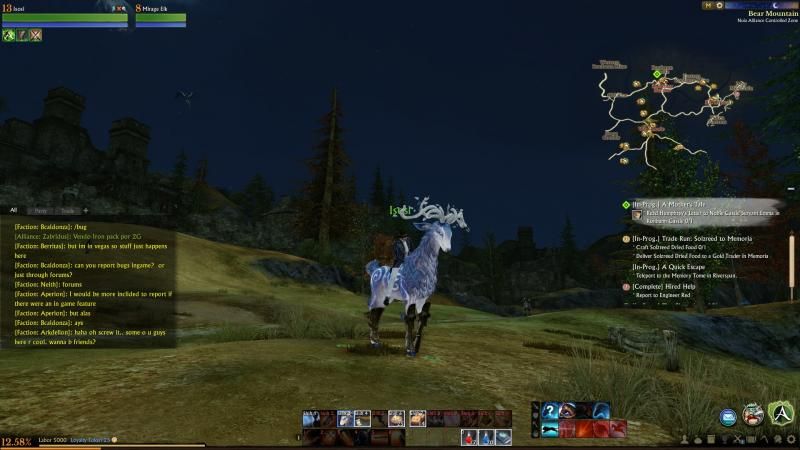
tại 18 rồi vẫn chưa có :v


