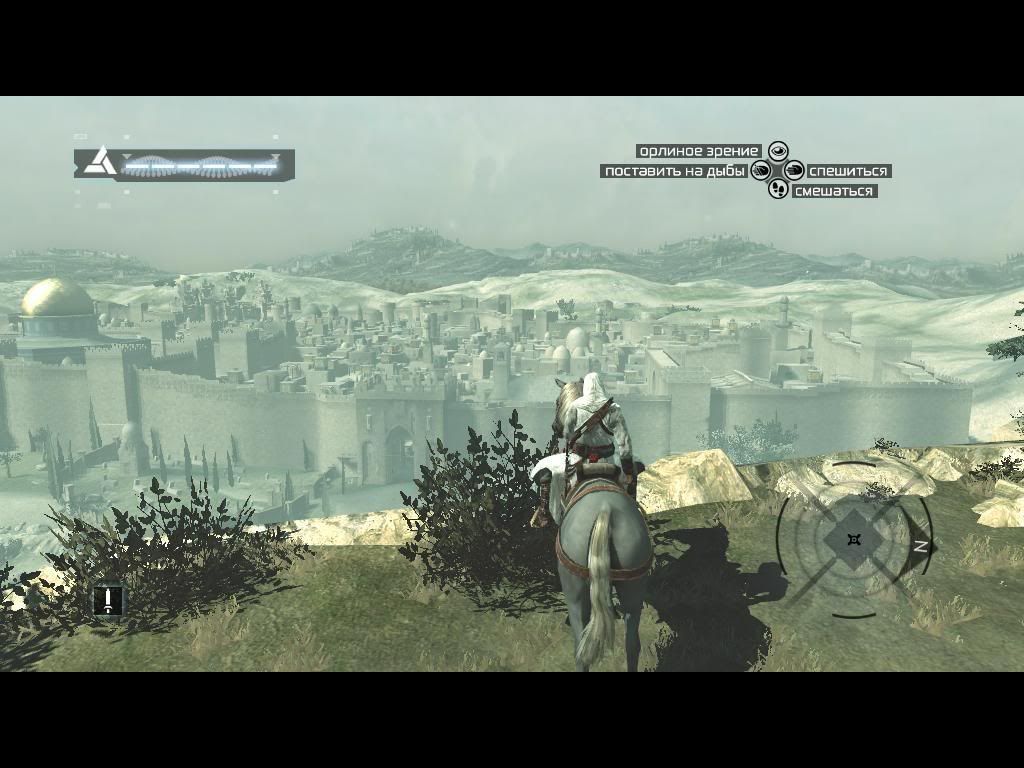
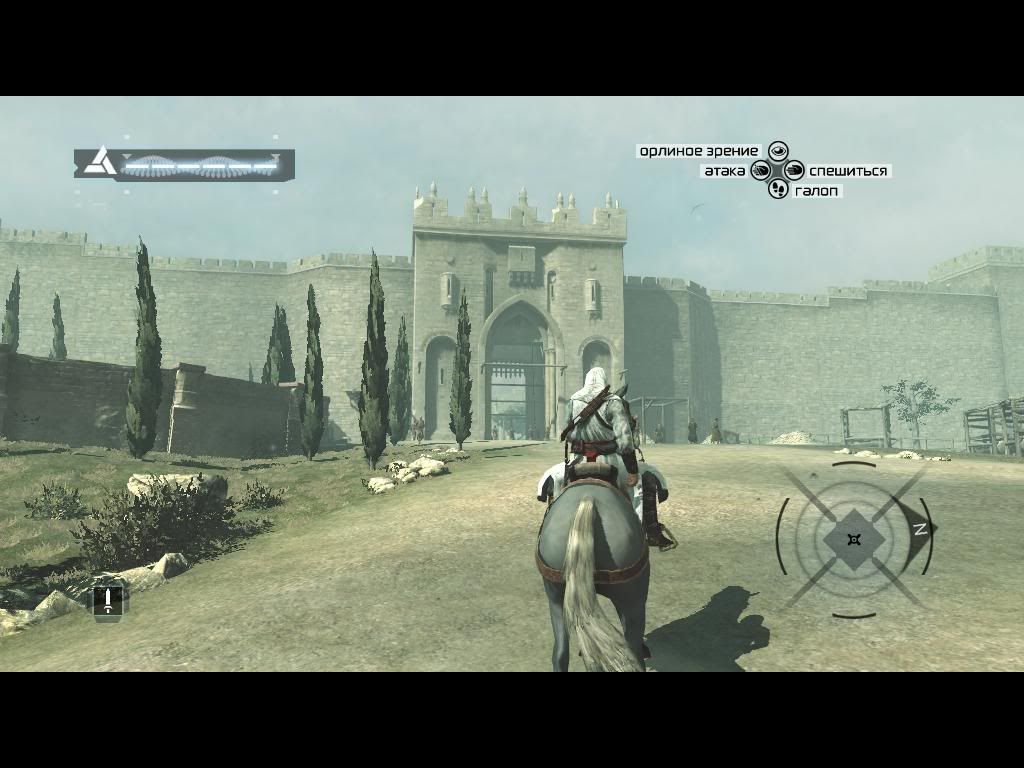
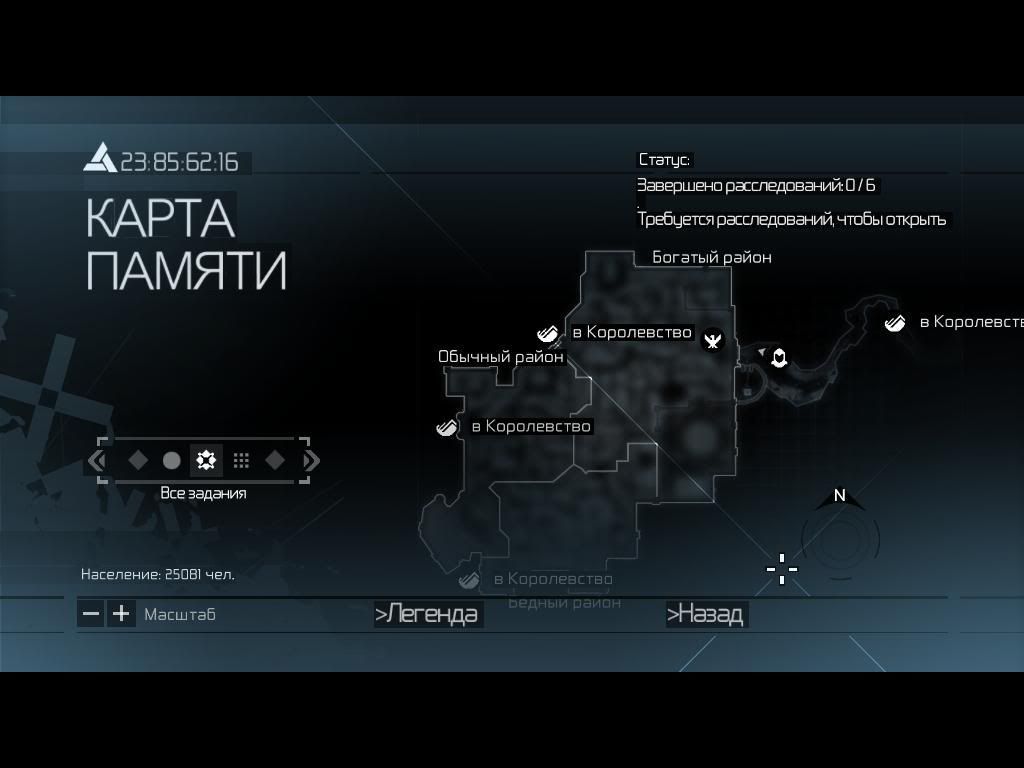
1) Copy/Paste the entire Assassin’s Creed directory to anywhere you want [IE : Copy it to desktop and rename it AC ENG)
2) Apply the AC_ENG_to_RUS.exe patch to your C:\Ubisoft\Assassin’s Creed Directory
3) Delete the “DataPC_StreamedSoundrus.forge” file
4) Copy DataPC_StreamedSoundfre.forge [for English Version it’s DataPC_StreamedSoundeng.forge or something like that] and paste it where was the file you deleted before [DataPC_StreamedSoundrus.forge]
5) Rename this file [DataPC_StreamedSoundeng.forge] in “DataPC_StreamedSoundrus.forge”!
6) Launch the game and… MIRACLE u can go to Jerusalem and the voice are in English or German or French or whatever is the language you want to play with!!!