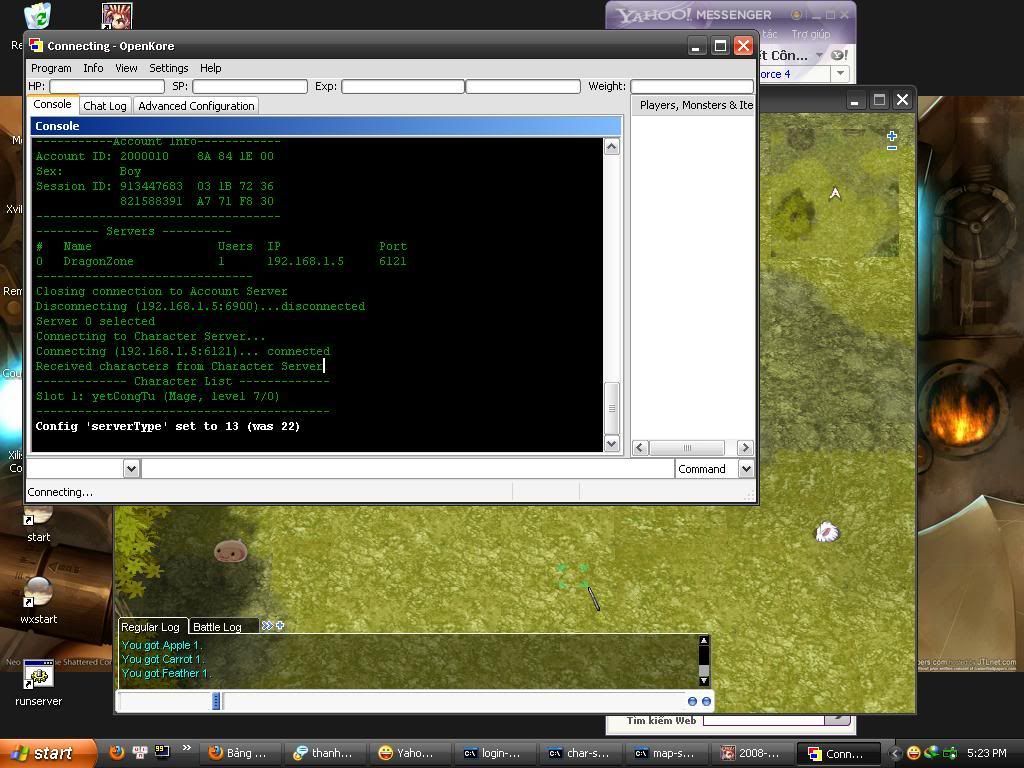
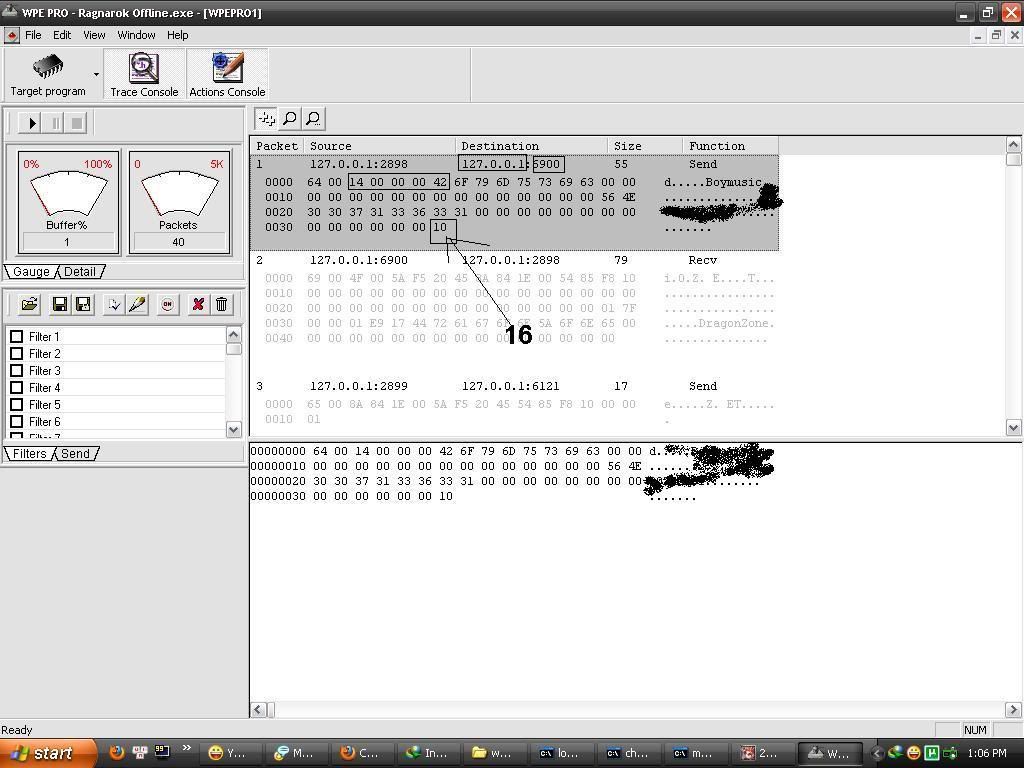
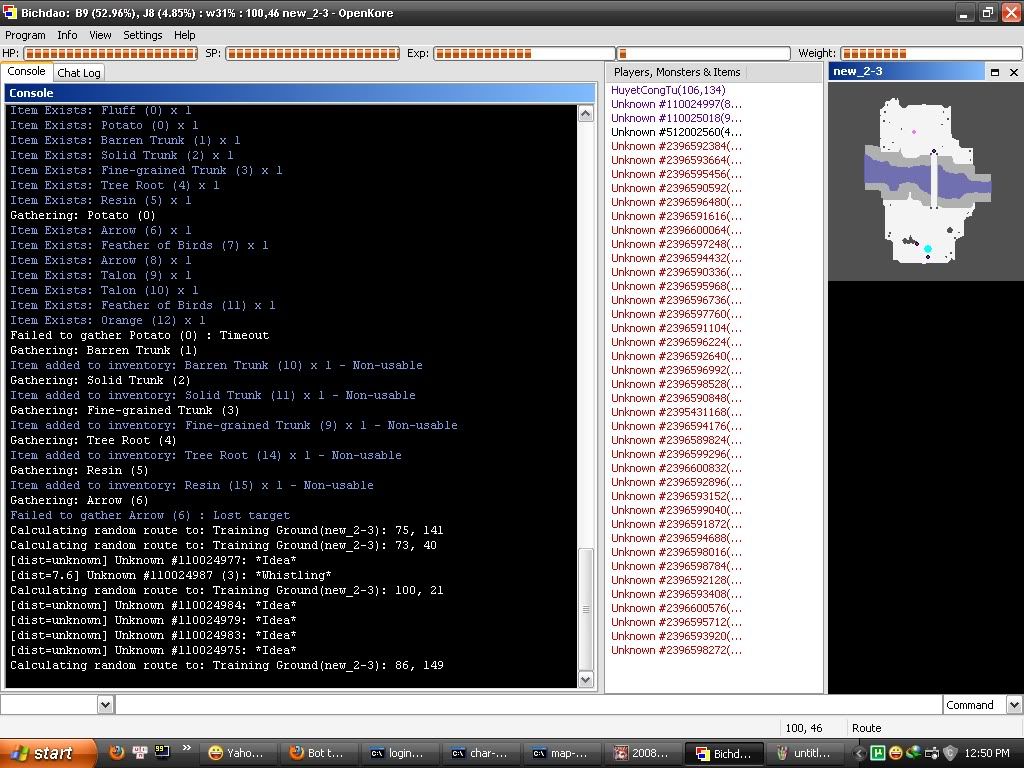
có ai giúp mình 1 chuyện được ko ?
mình đang tập bot
thấy trên forum của openkore có mục muti bot !
mình đọc manual nhưng vẫn ko hiểu vài chỗ ...!
ai có lòng tốt xin chỉ mình với . T_T
Folder options:
These are the available options which are listed when you run the bot with the --help parameter:
--control=path <<<<< ?????
path is the path for the control folder.
Example: if your bot folder is D:\Kore\, put --control=bot1/control to store control files in D:\Kore\bot1\control
( hình như là tạo 1 folder tên bot1 và đặt folder control mình cần bot vào )
--tables=path ( hình như là tạo 1 folder tên bot1 và đặt folder control mình cần bot vào )
path is the path for the tables folder.
Example: if your bot folder is D:\Kore\, put --tables=bot1/bot_tables to store table files in D:\Kore\bot_tables
(cũng như trên hay sao í )
--logs=path
path is the path for the logs folder.
Example: if your bot folder is D:\Kore\, put --logs=bot1/logs to store table files in D:\Kore\bot1\logs
(như trên )
--plugins=path
path is the path for the plugins folder.
Example: if your bot folder is D:\Kore\, put --plugins=bot1/plugins to store plugin files in D:\Kore\bot1\plugins
(như trên )
--fields=path
path is the path for the fields folder.
Example: if your bot folder is D:\Kore\, put --fields=bot1/bot_fields to store plugin files in D:\Kore\bot_fields
(như trên )
---------- Post added at 19:42 ---------- Previous post was at 19:29 ----------
Specific file options:
There are also some specific files which you can specify using the command line:
--config=path/file <<<<< ??? mình ko hiểu mấy cái này T_T
path/file specifies which config.txt to use.
Example: if your bot folder is D:\Kore\, put --config=control\config_1.txt to to use the config file D:\Kore\control\config_1.txt
--mon_control=path/file
( ko biết có pải là trong folder control >> rename config thành config _1 ko )
)
path/file specifies which mon_control.txt to use.
Example: if your bot folder is D:\Kore\, put --mon_control=control\mon_control_2.txt to to use the mon_control file D:\Kore\control\mon_control_2.txt
(?? chắc là mon_control >> thành mon_control_2 )
--items_control=path/file
path/file specifies which items_control.txt to use.
Example: if your bot folder is D:\Kore\, put --items_control=control\items_control_0.txt to to use the items_control file D:\Kore\control\items_control_0.txt
( =.=! thành items_control_0.txt )
--pickupitems=path/file
path/file specifies which pickupitems.txt to use.
Example: if your bot folder is D:\Kore\, put --pickupitems=control\pickupitems_all.txt to to use the pickupitems file D:\Kore\control\pickupitems_all.txt
( =.=! >>>pickupitems_all.txt)
--chat=path/file
path/file specifies which chat.txt to use.
Example: if your bot folder is D:\Kore\, put --chat=control\chat_7_25.txt to log chat in the file D:\Kore\control\chat_7_25.txt
(chat_7_25.txt >>
--shop=path/file
path/file specifies which shop.txt to use.
Example: if your bot folder is D:\Kore\, put --shop=control\shop_merch1.txt to to use the shop file D:\Kore\control\shop_merch1.txt
--monsters=path/file
path/file specifies which monsters.txt to use.
Example: if your bot folder is D:\Kore\, put --monsters=control\monsters_iz_dun.txt to log monsters killed in the file D:\Kore\control\monsters_iz_dun.txt
--items=path/file
path/file specifies which items.txt to use.
Example: if your bot folder is D:\Kore\, put --items=control\items_in_sphinx.txt to log items picked up in the file D:\Kore\control\items_in_sphinx.txt
hầu như chỉ thay tên hoặc add thêm hay sao ấy =.=!
---------- Post added at 19:46 ---------- Previous post was at 19:42 ----------
và đây là đoạn thật sự thì mình đọc ko tài nào hiểu được =.=!
chắc do quá gà =.=!
Interface option:
This command line allows you to specify which interface to use at startup:
--interface=module
module is the name of the Perl module for the interface. Check your src\Interface folder for available interface modules.
Example: if you want to use the console interface when you run wxstart.exe, put
--interface=Console
Note: If you are using the compiled Perl interpreter (e.g. start.exe) you must ensure that the application supports the interface you want to use. For example, wxstart.exe is for Wx, vxstart.exe for Vx, and so on. You can use the "Console" interface using any interpreter.
Usage:
So to use the options just put them into your shortcut. Example:
Code:
D:\Kore\start.exe --control=bot1/control --logs=bot1/logs
Just make shortcuts like these, each for a different bot settings folder, and you're done. All you really need is control and logs, so I use this with my own bots.
ai biết xin chỉ giùm mình đoạn cuối này giùm.
làm ơn
---------- Post added at 21:20 ---------- Previous post was at 19:46 ----------
^^!
sau 1 thời gian cày english cuối cùng cũng nhai dc nó
đã làm dc cái muti bot
có ai trong forum có thể chỉ mình bot macro dc ko
xin chỉ mình 1 số lệnh cơ bản như đi đến nói chuyện hay lấy đồ trong rương dc ko
thx trước mọi người
mình đang tập bot
thấy trên forum của openkore có mục muti bot !
mình đọc manual nhưng vẫn ko hiểu vài chỗ ...!
ai có lòng tốt xin chỉ mình với . T_T
Folder options:
These are the available options which are listed when you run the bot with the --help parameter:
--control=path <<<<< ?????
path is the path for the control folder.
Example: if your bot folder is D:\Kore\, put --control=bot1/control to store control files in D:\Kore\bot1\control
( hình như là tạo 1 folder tên bot1 và đặt folder control mình cần bot vào )
--tables=path ( hình như là tạo 1 folder tên bot1 và đặt folder control mình cần bot vào )
path is the path for the tables folder.
Example: if your bot folder is D:\Kore\, put --tables=bot1/bot_tables to store table files in D:\Kore\bot_tables
(cũng như trên hay sao í )
--logs=path
path is the path for the logs folder.
Example: if your bot folder is D:\Kore\, put --logs=bot1/logs to store table files in D:\Kore\bot1\logs
(như trên )
--plugins=path
path is the path for the plugins folder.
Example: if your bot folder is D:\Kore\, put --plugins=bot1/plugins to store plugin files in D:\Kore\bot1\plugins
(như trên )
--fields=path
path is the path for the fields folder.
Example: if your bot folder is D:\Kore\, put --fields=bot1/bot_fields to store plugin files in D:\Kore\bot_fields
(như trên )
---------- Post added at 19:42 ---------- Previous post was at 19:29 ----------
Specific file options:
There are also some specific files which you can specify using the command line:
--config=path/file <<<<< ??? mình ko hiểu mấy cái này T_T
path/file specifies which config.txt to use.
Example: if your bot folder is D:\Kore\, put --config=control\config_1.txt to to use the config file D:\Kore\control\config_1.txt
--mon_control=path/file
( ko biết có pải là trong folder control >> rename config thành config _1 ko
)path/file specifies which mon_control.txt to use.
Example: if your bot folder is D:\Kore\, put --mon_control=control\mon_control_2.txt to to use the mon_control file D:\Kore\control\mon_control_2.txt
(?? chắc là mon_control >> thành mon_control_2
)--items_control=path/file
path/file specifies which items_control.txt to use.
Example: if your bot folder is D:\Kore\, put --items_control=control\items_control_0.txt to to use the items_control file D:\Kore\control\items_control_0.txt
( =.=! thành items_control_0.txt )
--pickupitems=path/file
path/file specifies which pickupitems.txt to use.
Example: if your bot folder is D:\Kore\, put --pickupitems=control\pickupitems_all.txt to to use the pickupitems file D:\Kore\control\pickupitems_all.txt
( =.=! >>>pickupitems_all.txt)
--chat=path/file
path/file specifies which chat.txt to use.
Example: if your bot folder is D:\Kore\, put --chat=control\chat_7_25.txt to log chat in the file D:\Kore\control\chat_7_25.txt
(chat_7_25.txt >>
--shop=path/file
path/file specifies which shop.txt to use.
Example: if your bot folder is D:\Kore\, put --shop=control\shop_merch1.txt to to use the shop file D:\Kore\control\shop_merch1.txt
--monsters=path/file
path/file specifies which monsters.txt to use.
Example: if your bot folder is D:\Kore\, put --monsters=control\monsters_iz_dun.txt to log monsters killed in the file D:\Kore\control\monsters_iz_dun.txt
--items=path/file
path/file specifies which items.txt to use.
Example: if your bot folder is D:\Kore\, put --items=control\items_in_sphinx.txt to log items picked up in the file D:\Kore\control\items_in_sphinx.txt
hầu như chỉ thay tên hoặc add thêm hay sao ấy =.=!
---------- Post added at 19:46 ---------- Previous post was at 19:42 ----------
và đây là đoạn thật sự thì mình đọc ko tài nào hiểu được =.=!
chắc do quá gà =.=!
Interface option:
This command line allows you to specify which interface to use at startup:
--interface=module
module is the name of the Perl module for the interface. Check your src\Interface folder for available interface modules.
Example: if you want to use the console interface when you run wxstart.exe, put
--interface=Console
Note: If you are using the compiled Perl interpreter (e.g. start.exe) you must ensure that the application supports the interface you want to use. For example, wxstart.exe is for Wx, vxstart.exe for Vx, and so on. You can use the "Console" interface using any interpreter.
Usage:
So to use the options just put them into your shortcut. Example:
Code:
D:\Kore\start.exe --control=bot1/control --logs=bot1/logs
Just make shortcuts like these, each for a different bot settings folder, and you're done. All you really need is control and logs, so I use this with my own bots.
ai biết xin chỉ giùm mình đoạn cuối này giùm.
làm ơn
---------- Post added at 21:20 ---------- Previous post was at 19:46 ----------
^^!
sau 1 thời gian cày english cuối cùng cũng nhai dc nó
đã làm dc cái muti bot
có ai trong forum có thể chỉ mình bot macro dc ko
xin chỉ mình 1 số lệnh cơ bản như đi đến nói chuyện hay lấy đồ trong rương dc ko
thx trước mọi người