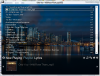
- 21/4/07
- 2,609
- 710
mấy ông làm sao để cái playlist trong suốt dc như thế vậy :p
http://gamevn.com/attachment.php?attachmentid=75126&d=1205400183
http://gamevn.com/attachment.php?attachmentid=75126&d=1205400183


Follow along with the video below to see how to install our site as a web app on your home screen.
Note: This feature may not be available in some browsers.
Tắt thông báo bằng nút X bên góc phải của bảng thông báo*


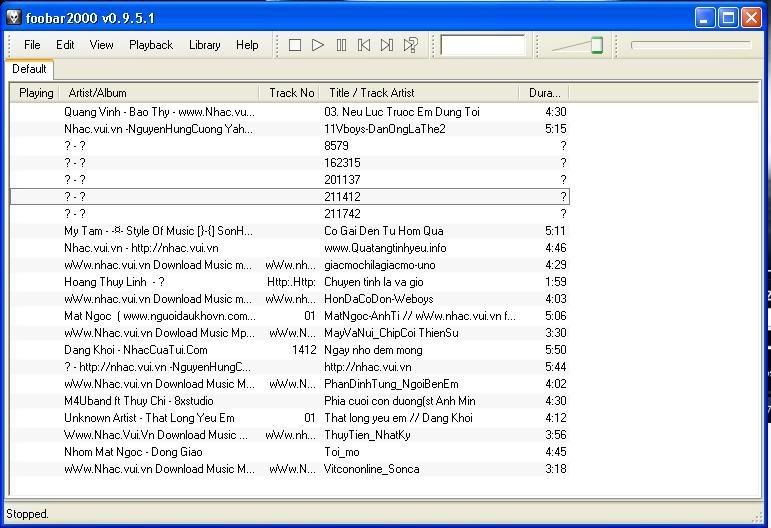

Hihihi thui làm bài này để giúp người giống như tui đỡ phải tìm trên mạng mất côngĐầu tiên mình sẽ hướng dẫn bạn thay skin cho foobar chỉ bằng vài bước .
FooBear

Down giao diện FooBear
Mã:http://www.box.net/shared/v6opdczk00
Plugins needed
- foo_ui_columns.dll - [link]
- foo_ui_panels.dll - [link]
- foo_cwb_hooks.dll - [link]
- foo_playcount_mod.dll - [link]
- foo_uie_powerpanels.dll - [link]
- foo_uie_quicksearch.dll - [link]
Down về hết rồi thì bung nén cho vào thư mục Components rong thư mục cài đặt của foobar2000 !
How to use
- Chép hết font trong đó vào thư mục font của Win .
- Giải nén FooBear cho vào thư mục /foobar2000/PanelsUI/ . Tiếp tục mở foobar2000 lên và vào Preferences (Ctrl + P) > PanelsUI và chọn foobear.pui ở hộp Layout .
- Tới đây thì chắc chắn bạn đã thấy skin đã đc thay đổi .
- Thêm Media Library trong Preferences > Media Library .
- Để hiện album art thì tên của album art phải là folder.jpg và đc đặt ở chung với những bài hát của bạn .
 :
:


Failed to load DLL: foo_playlist_tree.dll
Reason: This component is missing a required dependency, or was made for different version of foobar2000.


 tui muốn hỏi là cái album list ấy '____' , cả phần dưới nữa sao nó ko trong