http://anonymz.com/?http://code.google.com/p/sharexmod/
#Features
[spoil]
* Greenshot Image Editor to annotate images after you capture screenshots
* Folder Monitor to drop files to upload or to use as a target folder to capture webpages from browsers using browser extensions
* After upload wizard to show all different URL types so you can copy them to a wiki, forum post or as HTML code
* Automatically indexes the folder content if have a folder path in your clipboard and provides a link to the index e.g.
http://pastebin.com/2pv2cQM7
* Watermark support
In addition to above features, ShareXmod is a derivative of ShareX and therefore has:
* An improved Shape capture compared to ZUploader with magnifier and cross hairs from ZScreen
Features unique to ShareXmod:
* Customizable work flows where you can create work flows and assign keyboard shortcuts for them
* After capture wizard to dynamically choose whether to copy to clipboard, annotate image or to upload to remote host
[/spoil]
ShareXmod là một phần mềm mã nguồn mở được xây dựng trên ZUploader, shareXmod cho phép bạn chụp ảnh màn hình và upload lên hơn 20 host khác nhau thuận tiện cho việc chia sẻ hình ảnh mà không cần vào vào trực tiếp host up ảnh.
ShareXmod cho phép chụp màn hình với đủ các thể loại đáp ứng được nhu cầu của các bạn như hình tròn, tam giác, vẽ thế nàp chụp thế ấy, ... mình thì chủ yếu là chức năng chụp cửa sổ, rê chuột vào chọn cửa sổ mình muốn là xong.
ShareXmod òn hỗ trợ upload văn bản, file khác ngoài hình nhưng mà mình cũng chả dùng mấy, nó hỗ trợ rút ngắn đường link bằng một số dịch vụ rút ngắn link, thích hợp khi dùng với file upload.
ShareXmod còn hỗ trợ add watermark, thay đổi kích thước hình ảnh, ... trước khi upload nữa, và còn nhiều tính năng khác các bạn tự trải nghiệm :)
ShareXmod do có mem join team nên đã update lên bảng 8 và có nhiều thay đổi đáng chú ý và rename project về lại tên ShareX.
http://anonymz.com/?http://code.google.com/p/sharexmod/downloads/list




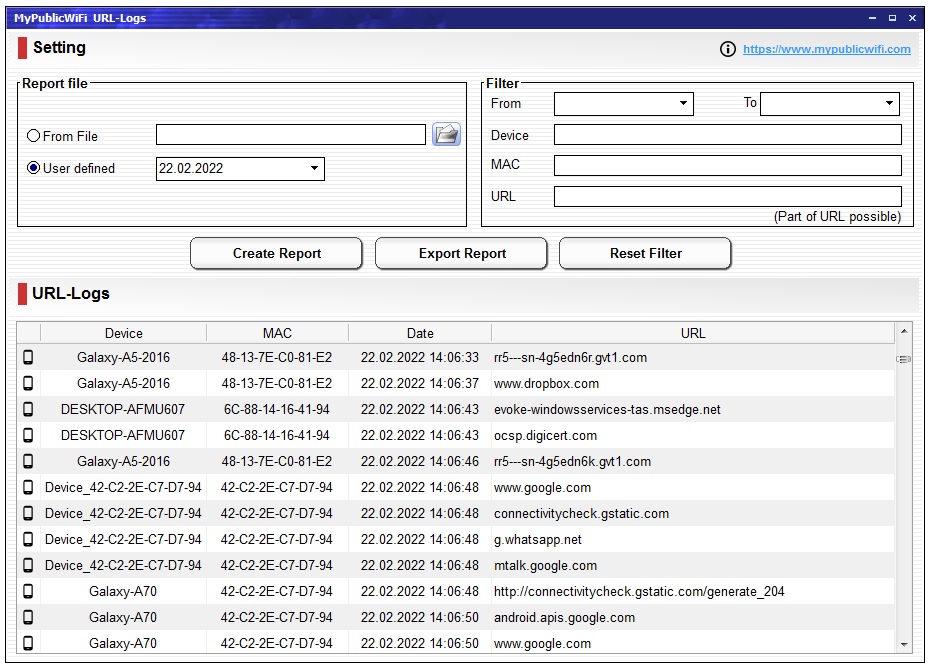


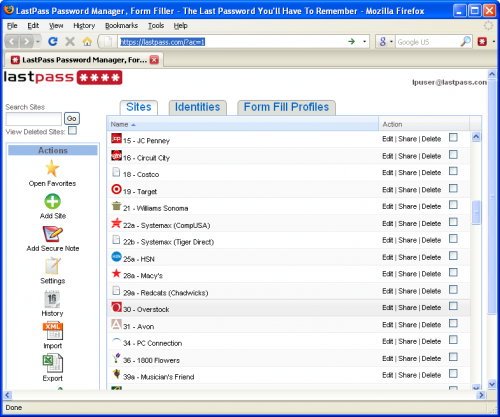
 dùng cho FF nhé
 )
)