Instructions to get it working for a long time
----------------------------------------------
01. Boot into Safe Mode.
02. Log in as "Administrator".
03. Locate your Windows Hosts file.
Usually in C:\WINDOWS\system32\drivers\etc
You may need to enable viewing hidden files and folders
04. Right-click "hosts".
05. Click "Properties".
06. If checked, uncheck the "Read-only" attribute.
07. Open "hosts" with Notepad (or any other text editor, or specific Hosts-file editor).
08. Add the following two lines to the Hosts file, at the end:
127.0.0.1
http://update.bitdefender.com/:8080
127.0.0.1 update.bitdefender.com
09. Save the modified version of the Hosts file, and exit the editor.
10. Right-click "hosts" again.
11. Click "Properties".
12. Click on the "Security" tab.
13. Click "Advanced".
14. Click "Advanced Security Settings".
15. Click on the "Permissions" tab.
16. Select "SYSTEM"
17. Uncheck "Include inheritable permissions from this object parent".
A notice will pop up: click "Copy"
18. Click "Edit".
19. Select "SYSTEM".
20. Click "Edit".
21. Deny the following attributes:
Read Attributes
Read Extended Attributes
Create Files / Write Data
Create Folders / Append Data
Write Attributes
Write Extended Attributes
Change Permissions
Take Ownership
22. Click "OK".
23. Repeat step #21 for the "Administrators" group.
24. Restart Windows into regular mode.
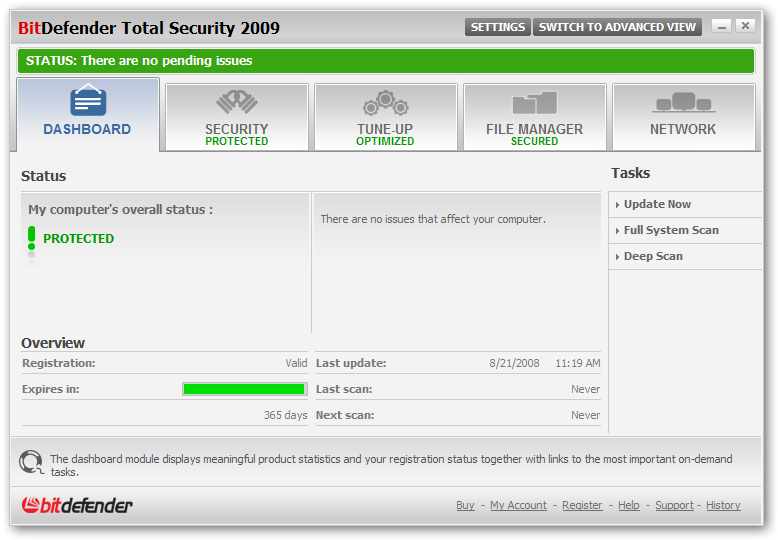
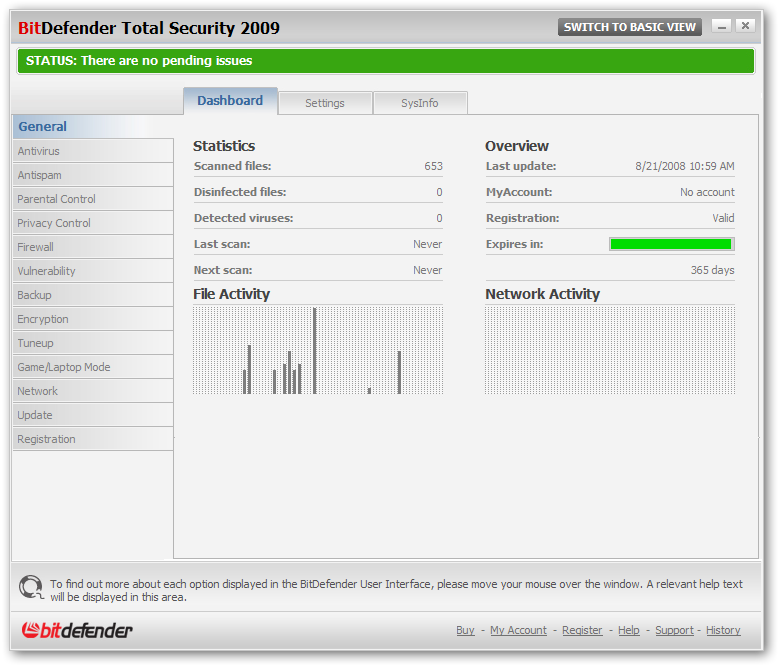
25. Install any BitDefender 2009 product.
After installation is complete, a registration window will open
26. Use the provided key generator to register BitDefender for 3650 days.



 , có check rồi mà sao not found






 , mấy bạn nặng thì ngày càng nhẹ


