


- 28/7/06
- 7,371
- 587
The first trick you can try is to run LaunchGTAIV.exe in WinNT compatibility(right click on the icon->hit properties->and Compatibility).
The second trick you can make is to change registry, but only if you know how to do it:
Step 1: Run Regedit by Clicking on Start -> Run , type in regedit and press enter
Step 2: Make a backup of your registry (just in case)
Step 3: Browse to "HKEY_LOCAL_MACHINE\SYSTEM\ CurrentControlSet\ Control\ Windows"
Step 4: Modify the value of "CSDVersion" from "0x00000200" (SP2) to the Windows XP SP3 value of "0x00000300"
Step 5: Close registry editor
Step 6: Reboot
Step 7: Start GTA
Thử xem nhé :)


 cách dùng khá dễ hiểu


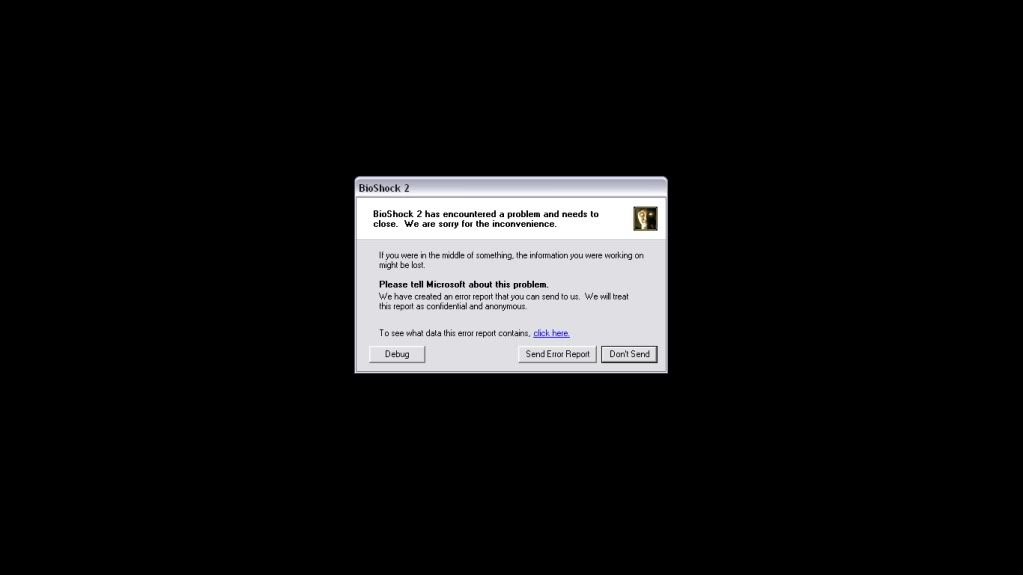
 mình không biết nó bị gì nữa ~.~


