


OkuNura PoohVz
Mr & Ms Pac-Man
- 12/9/12
- 155
- 4
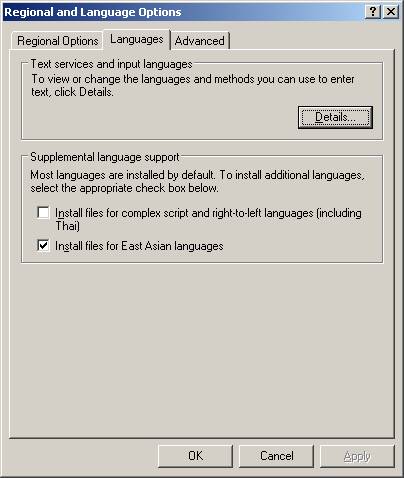
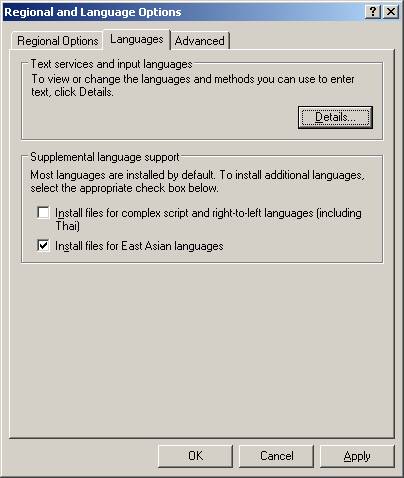
1. Go to Start -> Setting -> Control Panel -> Regional and Language Options, click on tab “Languages”, check “Install files for East Asian Languages”, click on “OK” from the dialog.
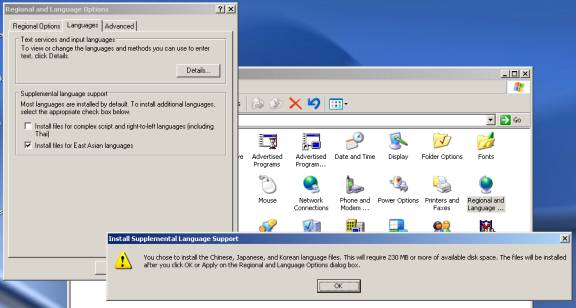
2. Click on “Apply”
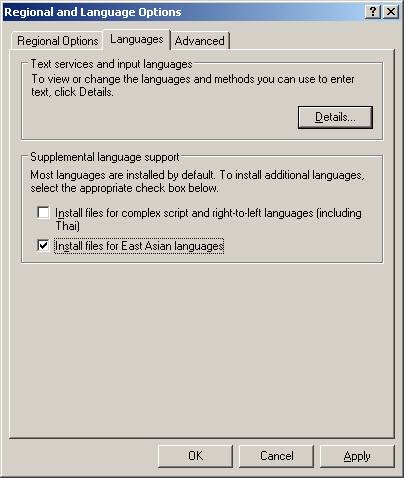
You may need “Windows XP Service Pack 1 CD” and “Windows XP” CD during the installation.
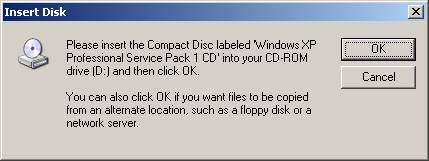
3. Click on “Yes” to restart your computer
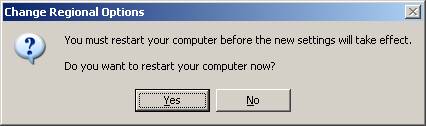
4. Go to Start -> Setting -> Control Panel -> Regional and Language Options, click on “Detail”
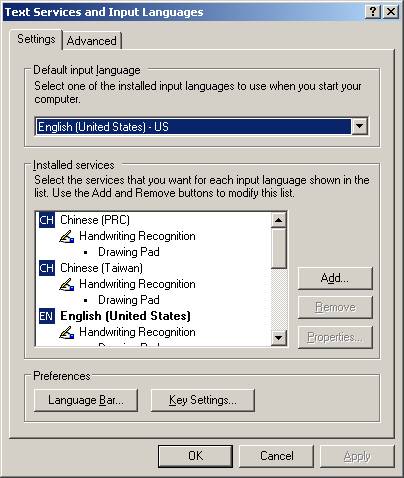
5. Click on “Add”
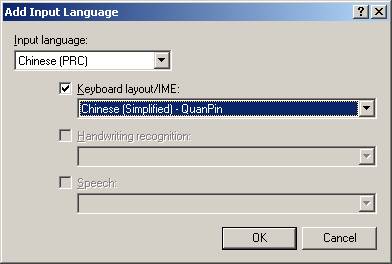
6. Select “Chinese (PRC)” from “Input language:”, check “Keyboard layout/IME:”, select “Chinese (Simplified) – QuanPin”, then click on “OK”
7. Click on “Apply”
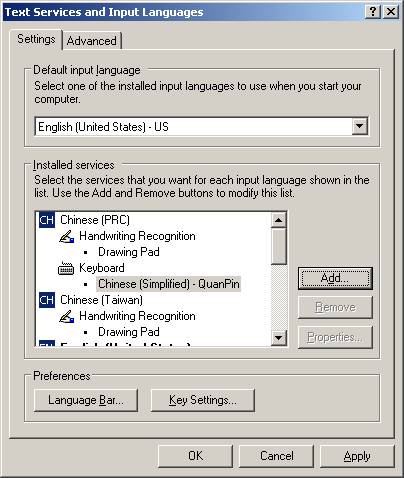
8. Click on “Apply” one more time
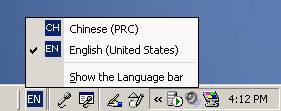
9. Locate “EN” on right-hand corner, select “CH Chinese (PRC)”
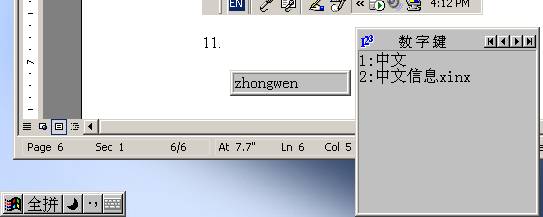
10. Now you can enter Chinese character in MS Word, IE or other application.
Folder i386 cho ai cần:
[Cattleya][VnSharing.net] East Asian Language Files XP SP2.rar - Dành riêng cho XP SP2.
[Cattleya][VnSharing.net] East Asian Language Files XP SP3.rar - Dành riêng cho XP SP3.
Nếu làm đầy đủ mà vẫn không được thì download file này và paste vào C:WINDOW\Sinf . https://dl.dropbox.com/s/wwle0whbj5uaeha/INTL.INF
*Lưu ý trong quá trình cài đặt gói ngôn ngữ mà có đòi thêm file nào không có trong folder ỉ386 thì cứ copy nguyên cái tên file đấy rồi google down về là được


 . ra quán chơi cài vô xong không rs máy rồi xài applocale để vào game là đc
  .
.