nhocpoprocks
Youtube Master Race
- 21/3/06
- 47
- 0
Oài đẹp thế A Hiệp ơi, nhưng sao E ko thấy cái VTC đâu cả????????


Follow along with the video below to see how to install our site as a web app on your home screen.
Note: This feature may not be available in some browsers.

hiz link rapid down cực quá bác ơi, có link khác ko :(Brit(ish)Ger(many) Patch 1.0
-
-
-
-
-
-

New Teams:
Charlton <-> Anderlecht
Watford <-> Brugge
West Bromwich <-> Helsinki
Crystal Palace <-> Copenhagen
Southhampton <-> Stockholm
Köln <-> Munich on other B
M´gladbach <-> PES United
Aachen <-> WE United
Mainz <-> Hammarby
Freiburg <-> Helsingborg
St.Pauli <-> Goteborg
Bundesliga replace Eredivisie
Eredivisie complete on Other C
- 100% Kits of the Premier League
- 100% Kits of the Nationalteams
- 100% Kits of Bundesliga
- 100% Kits of Eredivisie
- 100% Kits of Serie A
- 100% Kits of La Liga
- 100% Kits of League 1
- 100% Kits of Rest of the World
- All Team/Playernames are now in low Letters e.g.: "England" instead of "ENGLAND" e.g.: "Lampard" instead "LAMPARD"
- Very many values condition values changed, and update some existing players
- Relink many Original faces
- New Faces (e.G. Kahn)
- Radar colors adapted (Less matching jerseys in the ML)
- Supportercolor fixed
- Start formations of some large teams (Barca, Chelsea, Real, ManU etc. adapted)
- New Transfer "Breno" --> Bayern
- Replay Flash logos for all leagues and competitions
- League logos and Ingametexte adapted (World Cup 2010), EURO 2008
- All League Logos
- New Bootpack
- New EPL Scoreboards with Full Teamnames-Big Letter 16:9 & 4:3
- Optional Scoreboard with Logos
***********************************************************************
Installation (Backup your Files first)
Step 1: (Kits,Numbers,Fonts,Boots,Logos,Scoreboard) cv_0
1. You need AFS Explorer (On Tool Folder)
2. Start AFS Explorer and go to menu FILE - IMPORT AFS File
3. In the dialog window go to last combo box and select ALL FILES
4. From your PES 2008 img folder open cv_0.img (backup it first)
5. Go to Action > Import Folder and choose the folder of cv_0
6. Answer Yes to questions and the file will be opened.
7. In the dialog window go to last combo box and select ALL FILES
8. Now save the "cv_0.img" as for example "cv_0_new.img"
9. Wait for end of rebulding and answer Yes to the next questions
and the file will reloaded
10. Close AFS Explorer
11. Remove your old "cv_0.img"(Save 1st) and rename the new "cv_0_new.img" back to "cv_0.img"
And copy them into /img Folder where you have install PES2008
Step 2: (Language Files)
Copy the rv_e.img (if you have English Language installed) or the
rv_g.img (if you have German Language installed)
into: /img Folder where you have installed PES2008
Step 3:(Optionsfiles)
Copy PES2008_EDIT01.bin & PES2008_OPTION01.bin into:
...\My Documents\KONAMI\Pro Evolution Soccer 2008\save (English)
...\Eigene Dateien\KONAMI\Pro Evolution Soccer 2008\save (German)
Note: The English Optionsfile use english Names for the Nationalteams
The German Optionsfile use German Names for the Nationalteams
*********************************************************************************
Credits: :applause: ninuzzu,222,Roamer,dPM_HeMan,robablade,PALACE1,Kaseo_fer,SpaceLord
Yogui,Mosu90,plaManU,spektarm,AdrianoPSO,Juce,Robbie,tato,Marco_76ers,
UEFA,Sam_Vimes,ZaGrabia,SVW,eulinho,arip,Asiat,jumberto,The Juice, YNWA,
Hello, simonhibsey,Nark Nero,el_gordito,ZWANG
FrankTitas, Serginho 7, Gu3d4, AJL, Hello,, ProXimO, jvinu2000,V&DER,
biker_jim_uk, R9 Ronaldo, el_gordito,Chr!s,Dark Nero, odiney and A_l_s,panda cdude
PATe.Arminia,LordMephisto
And all i forgot
*********************************************************************************
Note: The Tool Folder contains some Tools to edit the Files by yourself. Kitmanager 2.0 have the new Teams on the .txt File.
Note 2:
The Patch come with Scoreboard for Teamname Version in 4:3 Format
If you doesn´t wanna use the Teamnames on the Scoreboards or want another Ratio,simply replace them with one from the Scoreboard Folder, they are also 4:3 and 16:9 Scoreboards for your Ratio, also a Logo Version
*********************************************************************************
Download
If you find Bugs please post them here, incl Pics if possible, but be sure you have installed correctly as the readme says


search lại bài của hhteam có file exe gốc đấyCác bác ơi làm ơn chỉ chỗ down file pes2008.exe gốc với, không bác nào upload lên cho em một bản. Thank các bác


Installation of WeHellas patch v0.1b
WEHELLAS PES2008 v0.1b PATCH FILES
==================================

After we have downloaded the files of the patch v0.1b, we must have:

--------------------
cv_0.rar           |
PES2008_EDIT01.rar |
rs_e.rar           |
rv_e.rar           |
--------------------

Optionally, who ever wants it, there is an update for the field, so there we must have the next files:

---------------
cv_1.part1.rar|
cv_1.part2.rar|
cv_1.part3.rar|
---------------

The first thing we have to do is to extract all the files of the patch that we have downloaded. It would be better
to put it in a general folder ( for example, WeHellas Patch files) and there
we can do the extract. Finally, inside this folder it will appear and other folders with the names of the game files
(cv_0, rv_e, rs_e and cv_1 - optionally).

After we have extracted all the .rar files, we should have also installed AFS EXPLORER 3.7, which will we use to import the files.


PROCESS WITH AFS EXPLORER 3.7
==============================


For example, we report the process patching for the file cv_0 of pes2008
-------------------------------------------------------------------------

1. We open AFS EXPLORER 3.7, we choose "FILE" and then "IMPORT AFS FILE".

2. In the window that opens we go down and in "FILE FORM" we choose "ALL FILES" instead of the choice "AFS FILES (.AFS)" that the program has.
   We go to the file of installation of PES2008, in the folder "IMG" and we choose the file cv_0.img.

3. In the first message (descriptor table missing! try rebuilding the AFS to fix it)
   we press "ΟΚ". Then, we wait for the program to charge our file.

4. As soon as it charges the file, we go to the "ACTION" menu and we choose "IMPORT FOLDER".
   Our aim now is to locate and choose the folder cv_0 from the files that we have already downloaded and extracted.

5. When we'll select the folder cv_0, the program will report that it has to be increased the space that certain files get.We choose "Yes, then "ΟΚ"
   and select the name the new file will have. It could be named cv_0a.img. The program starts to resize the bin files. It might need to wait some minutes
   until 100% will be reached.

   ========================================================================
   ATTENTION: when building is finished, the process hasn't!!!!
   We wait until this message will appear "AFS REGENERATED SUCCESSFULLY"
   We press "ΟΚ" and wait for the new files to import.
   ========================================================================

6. Finally, it will appear the following message, which means that the process has finished:

   "A new AFS file has been created as a result of folder importing"
   "Would you like this new AFS file to be loaded?"

   We press "Yes" and wait until the new game file is loaded.

7. When the list of all bin files is shown in the program, the process is over, therefore we can close the program.

8. The last step that we have to do is to go to the installation folder of PES2008, folder "IMG" and we rename the 2 cv_0.img files:

   - the old cv_0.img we could name it cv_0old.img
   - the new cv_0a.img we name it cv_0.img

=========================================================================================
This particular process should become with the same precisely way for the files:

cv_0, rv_e, rs_e (and for cv_1 optionally, for whoever has it)
=========================================================================================

When the process is finished for all the files of the game, see that PES2008 loads normaly and all the changes
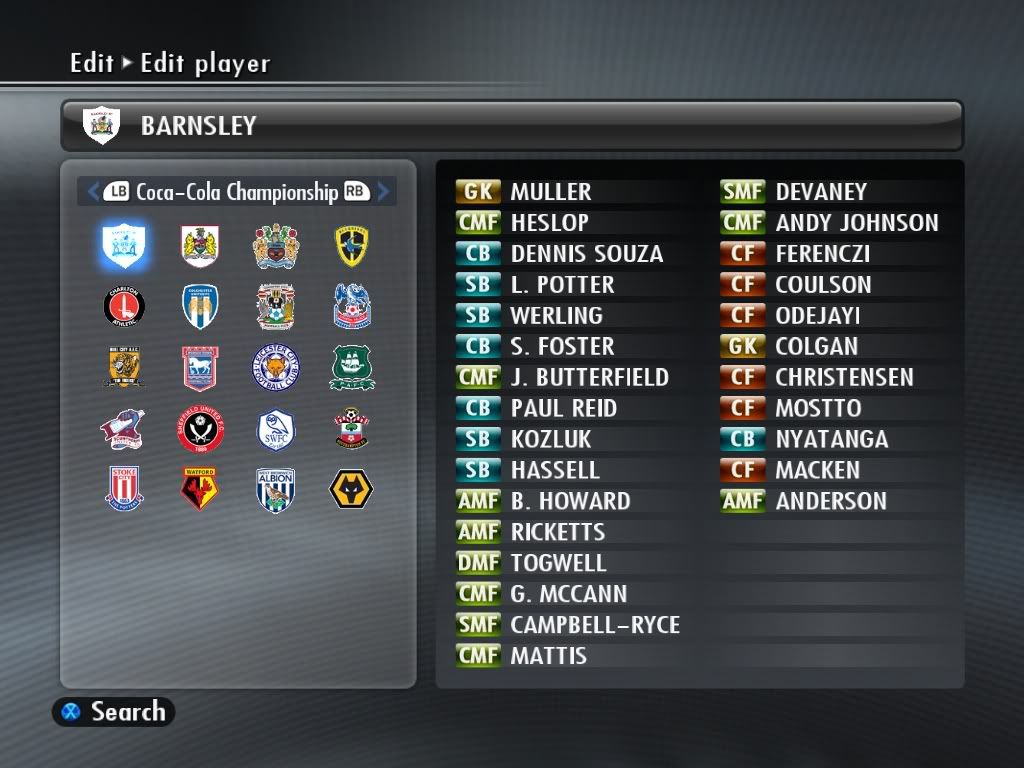
they made are ok, we can erase the old game files, which th have named cv_0old.img, rv_eold.img etc.Editing Championship
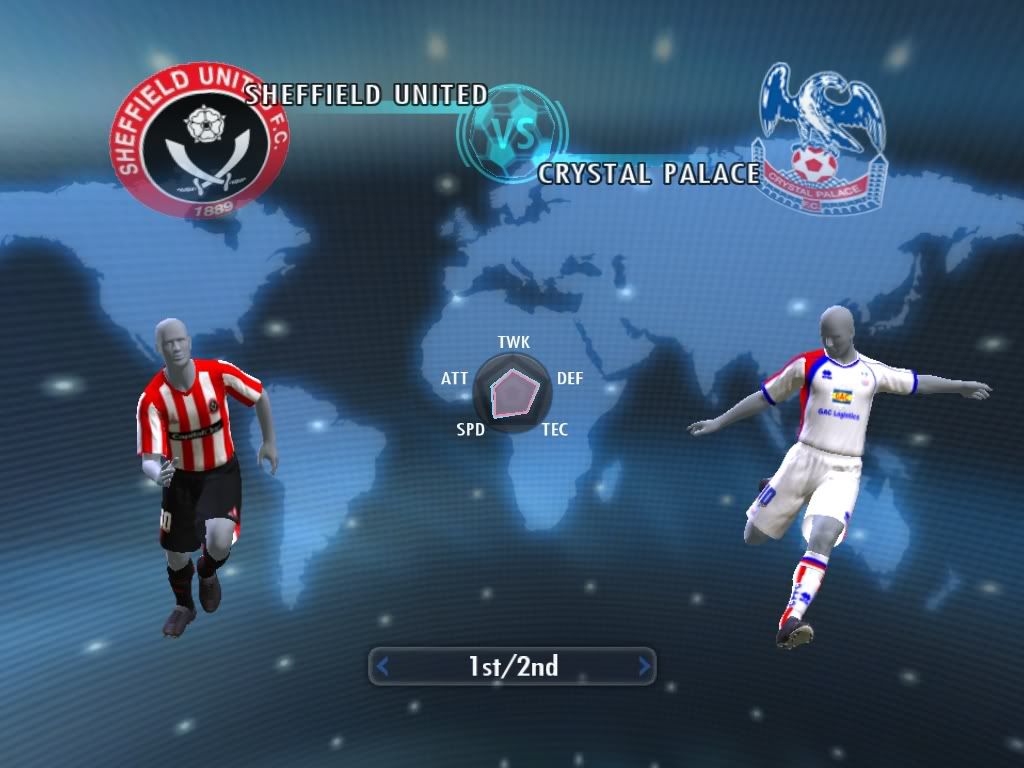
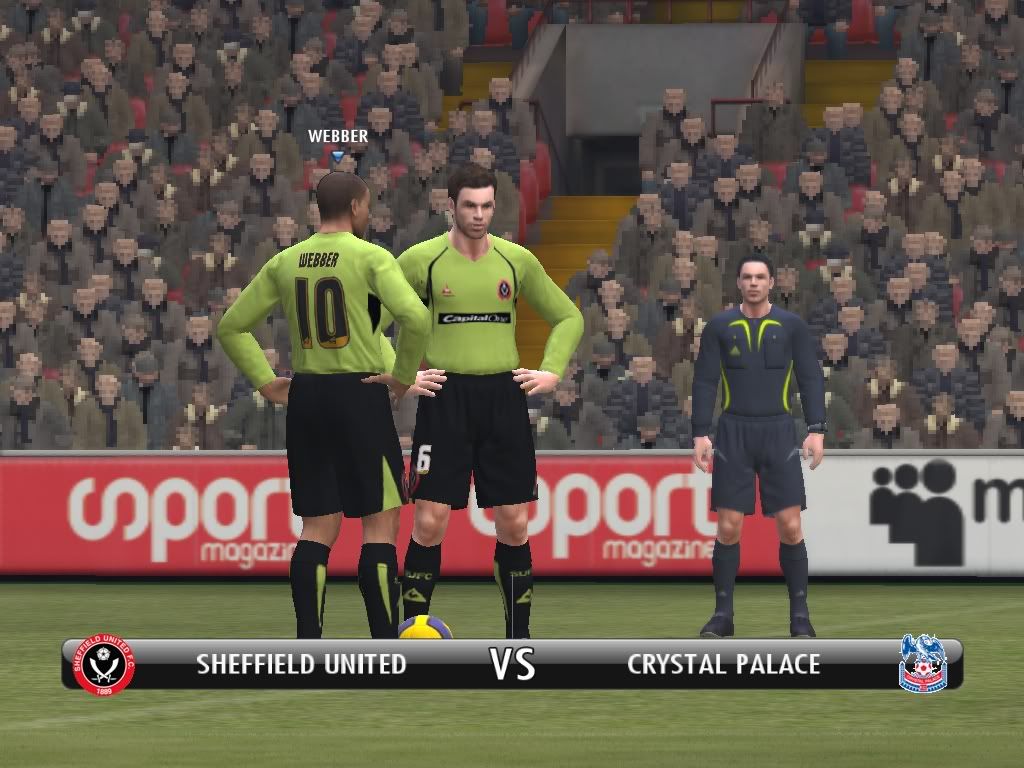
Sheff Utd Home Kit Vs Crystal Palace Away Kit
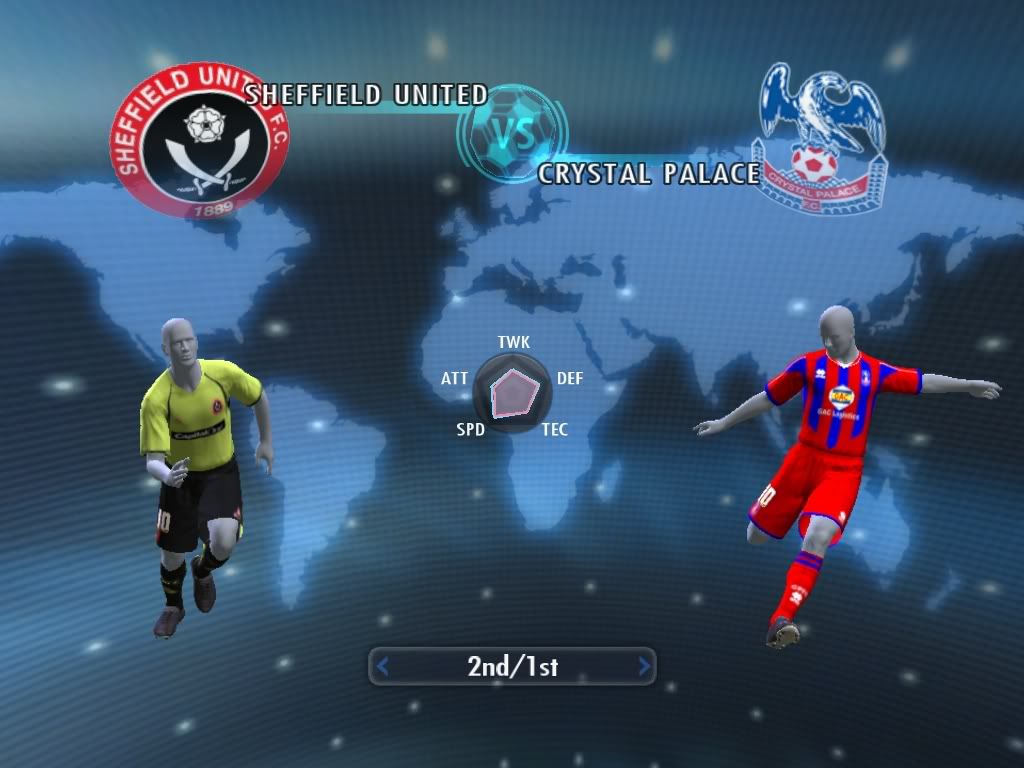
Sheff Utd Away Kit Vs Crystal Palace Home Kit
Formations
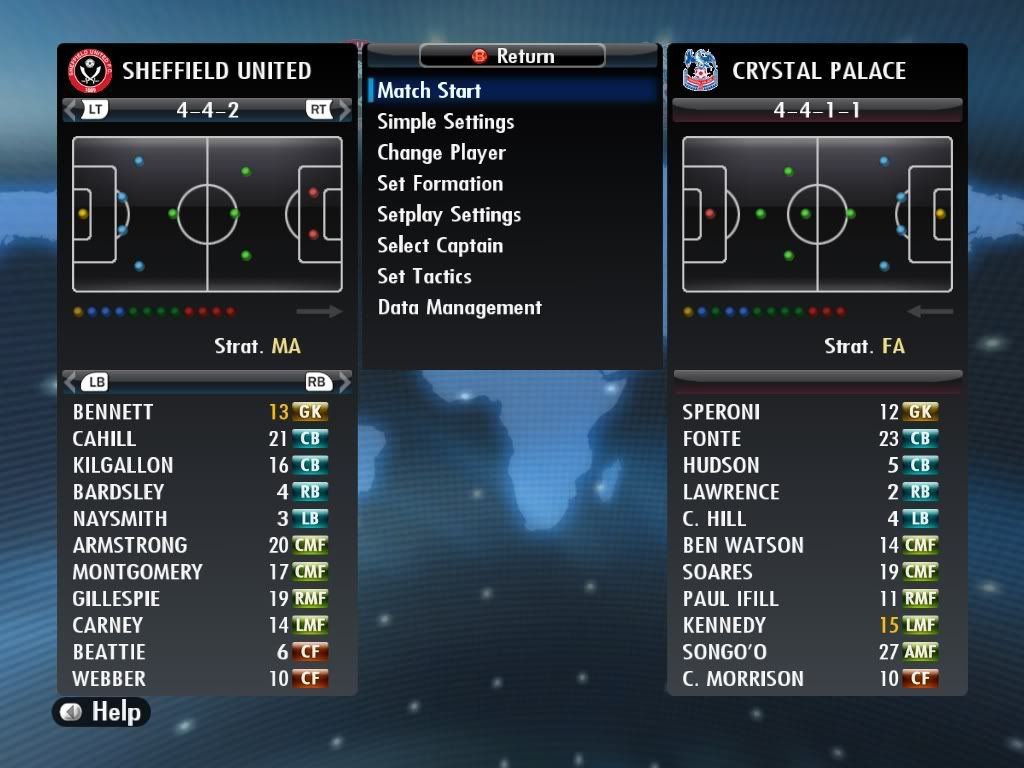
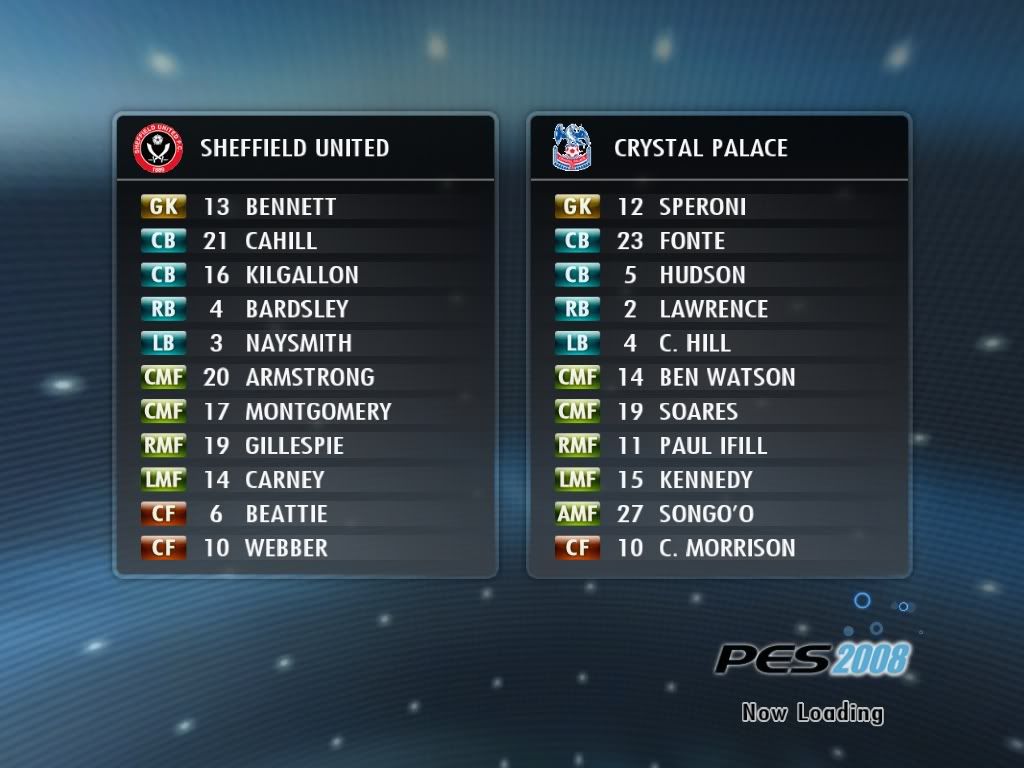
Line Ups
Kick Off

@
@ MKizzle: Cài xong dùng vô tư, ko cần phải lo crack, tui dùng mấy tháng rùi, nó có báo gì đâu


